20 guides · each with its tool on the page
Guides for labels and place cards
Each guide answers one job, from Christmas card labels to a mail merge that prints off the sheet, and makes the PDF on the page. Your list stays in your browser.
Christmas mail 5
Cards, return labels, gift tags and boxes for the season, with USPS's 2026 dates.
-
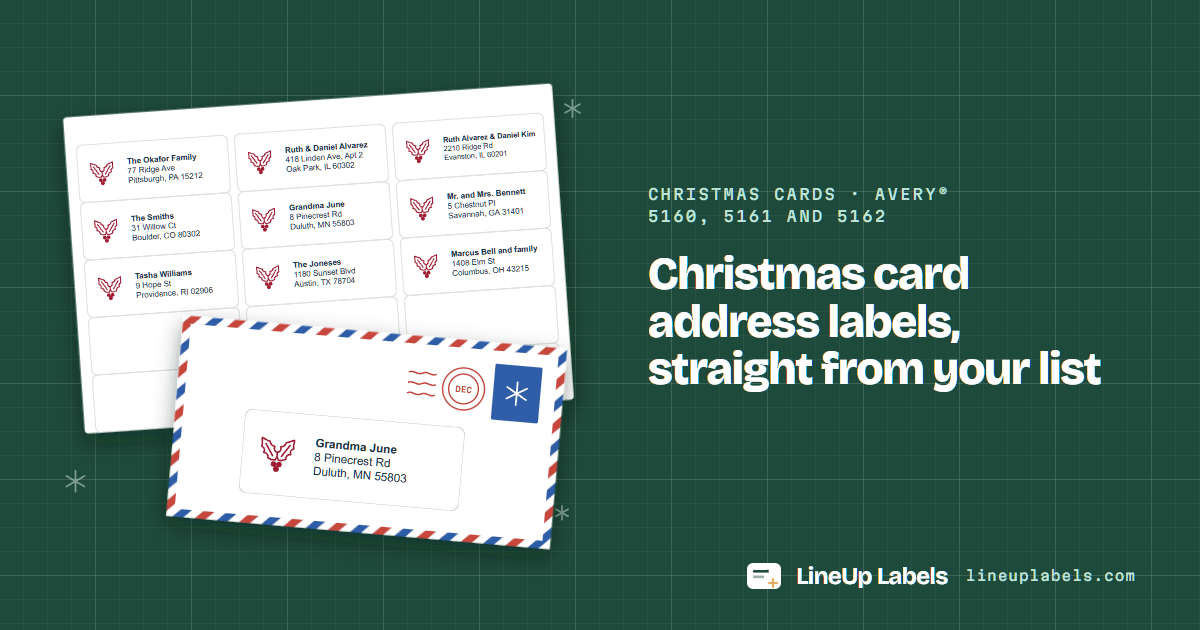 Christmas cards · Avery® 5160, 5161 and 5162
Christmas card labels
Paste your card list and print its address labels on Avery® 5160 and similar sheets.
-
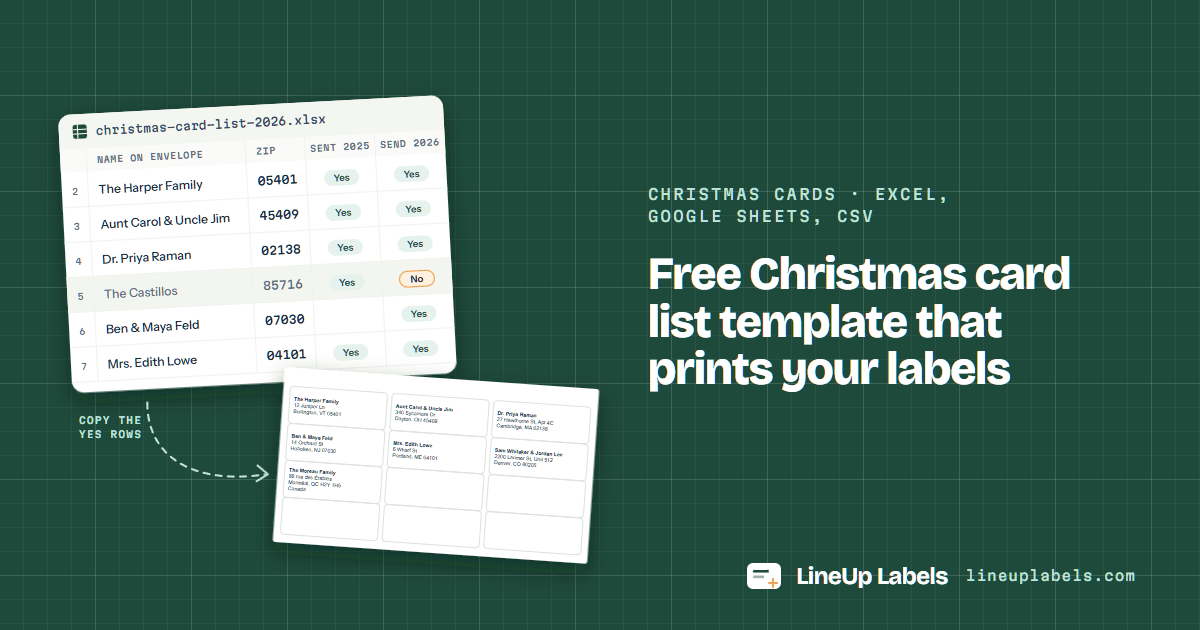 Christmas cards · Excel, Google Sheets, CSV
Card list template
A free Excel or CSV list of who gets a card, ready to print its own labels.
-
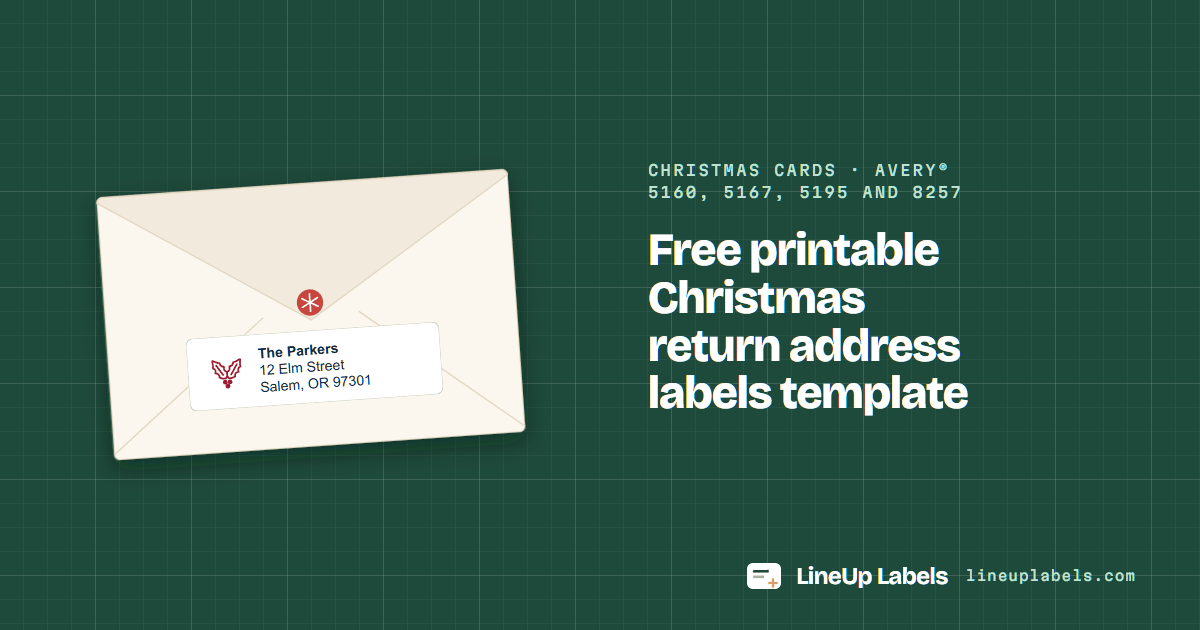 Christmas cards · Avery® 5160, 5167, 5195 and 8257
Return address labels
Type your return address once and fill a whole sheet of Avery® 5160, 5167 or 5195 labels.
-
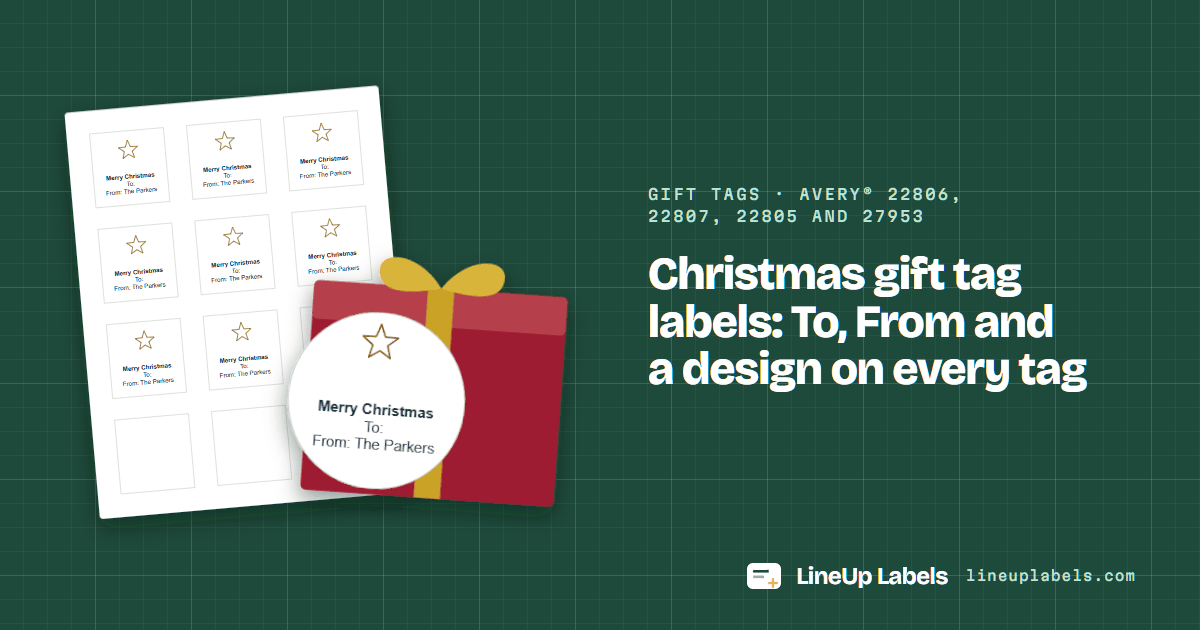 Gift tags · Avery® 22806, 22807, 22805 and 27953
Gift tag labels
To and From on round or square labels, Avery® 22806, 22807 and more, with a holiday design.
-
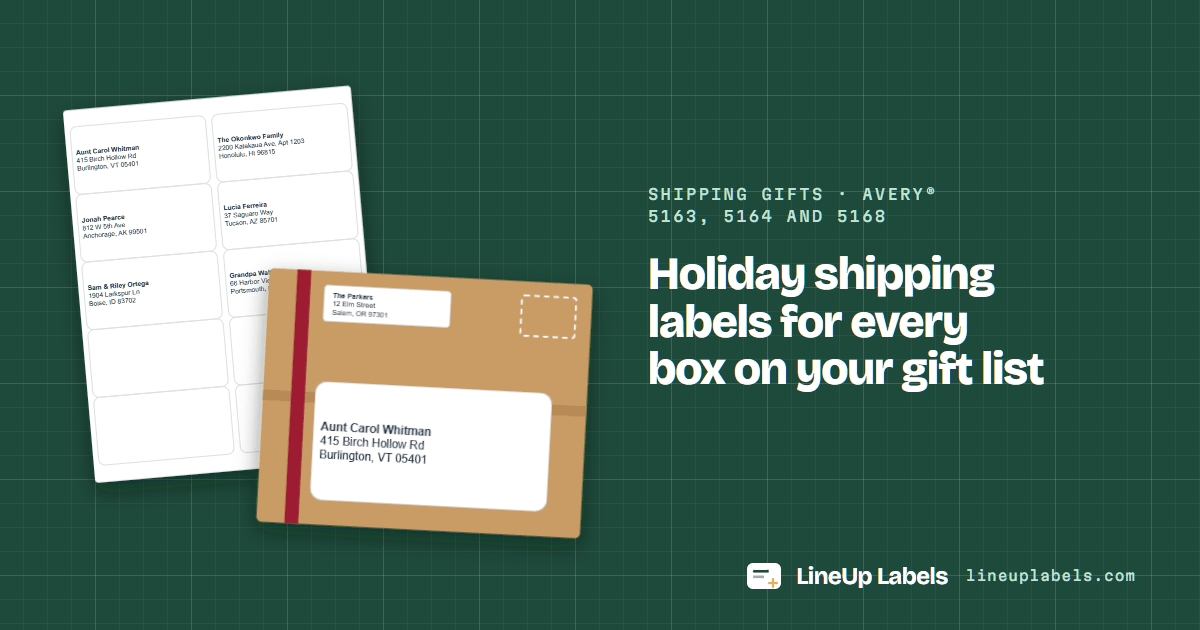 Shipping gifts · Avery® 5163, 5164 and 5168
Holiday shipping labels
A big, clear address label for every box you mail this season, with USPS's 2026 ship-by dates.
Lists from your apps 7
A spreadsheet or a contacts list as it is, one label a row, with no Word in between.
-
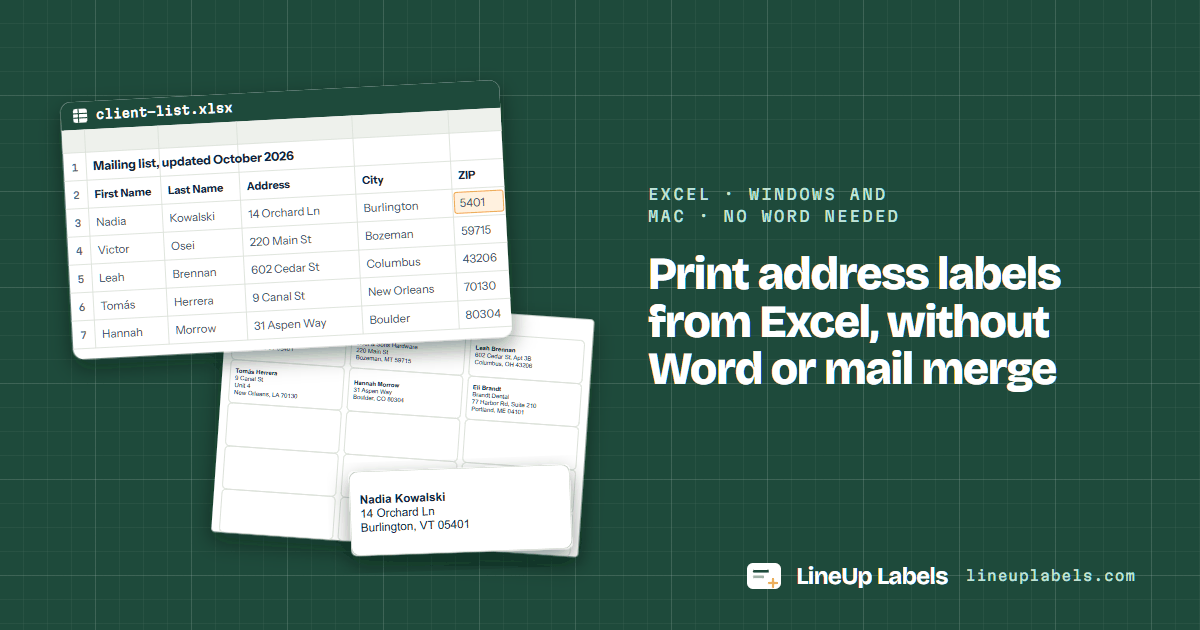 Excel · Windows and Mac · no Word needed
Labels from Excel
Open your Excel workbook and print its labels on Avery® 5160 and similar sheets, without Word.
-
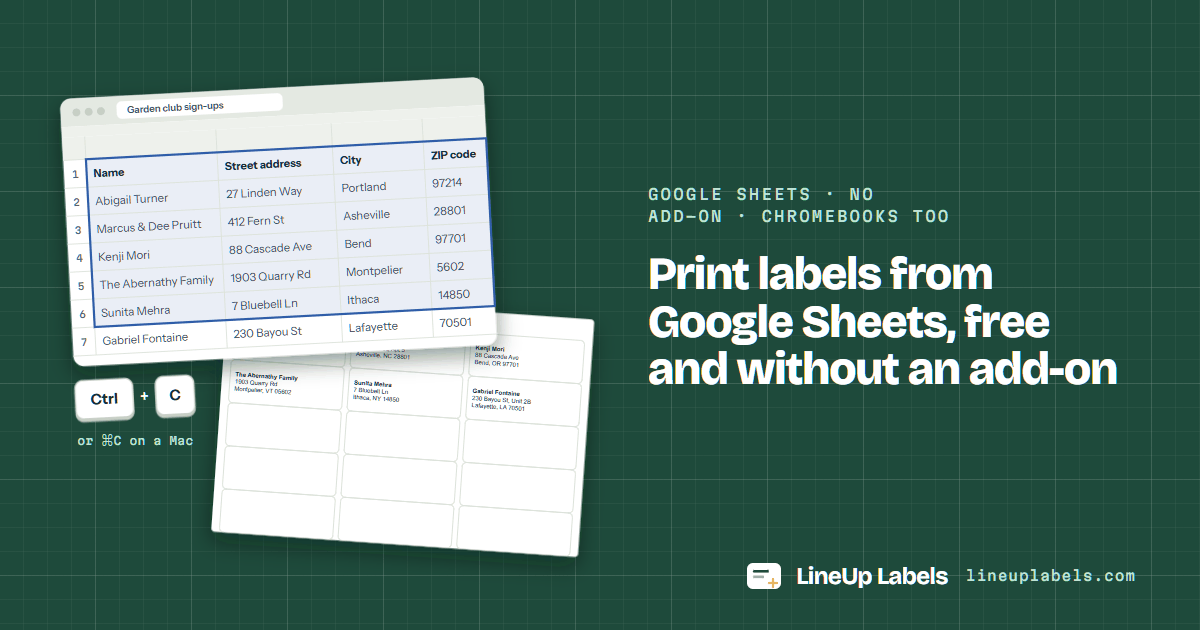 Google Sheets · no add-on · Chromebooks too
Labels from Google Sheets
Copy your list from Google Sheets and print it on Avery® 5160 and similar sheets, with no add-on.
-
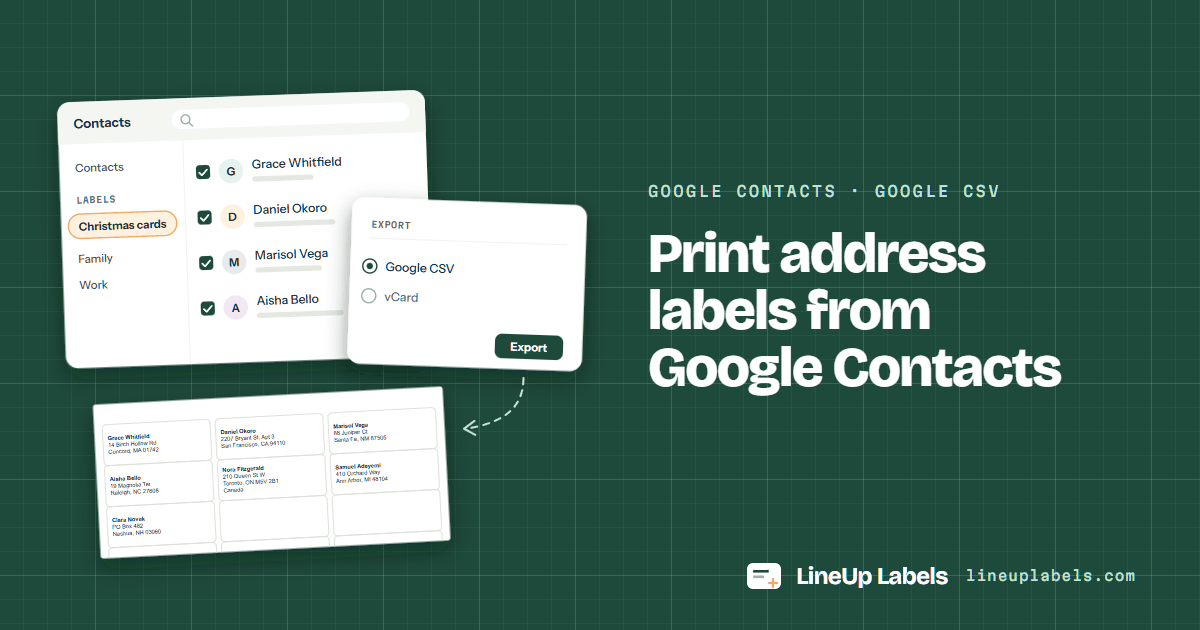 Google Contacts · Google CSV
Google Contacts labels
Export your contacts as a Google CSV file and print their addresses on Avery® 5160.
-
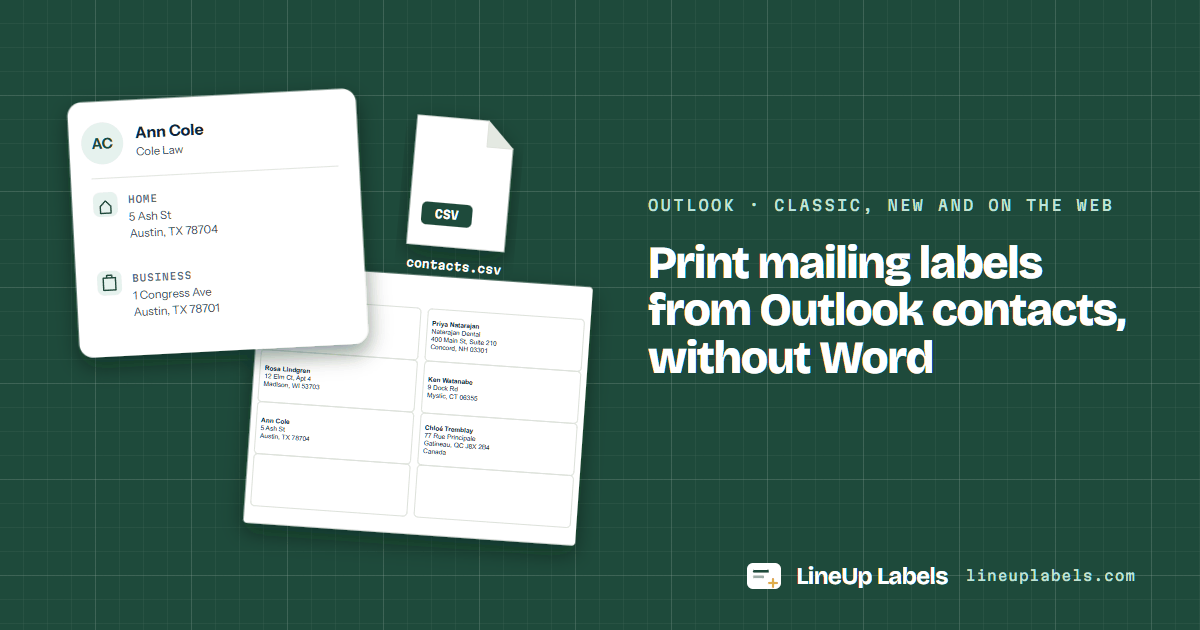 Outlook · classic, new and on the web
Outlook contacts labels
Export your Outlook contacts to a CSV file and print their addresses on Avery® 5160 and 5162.
-
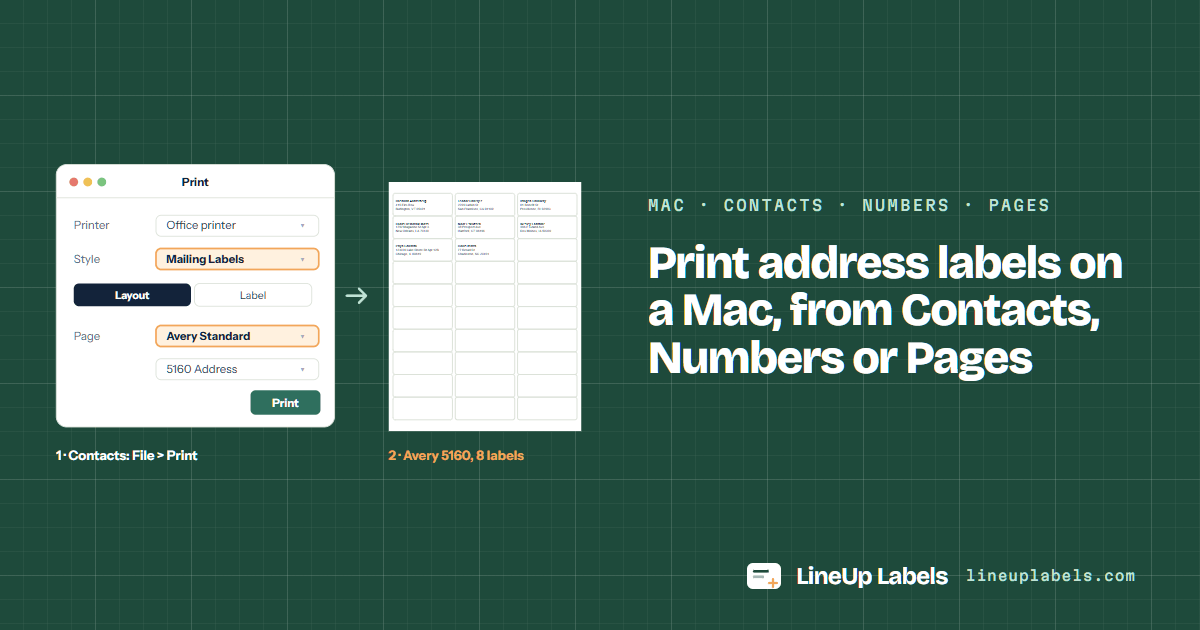 Mac · Contacts · Numbers · Pages
Labels on a Mac
Contacts, Numbers, Excel or Pages on a Mac: which one prints a sheet of labels, and how.
-
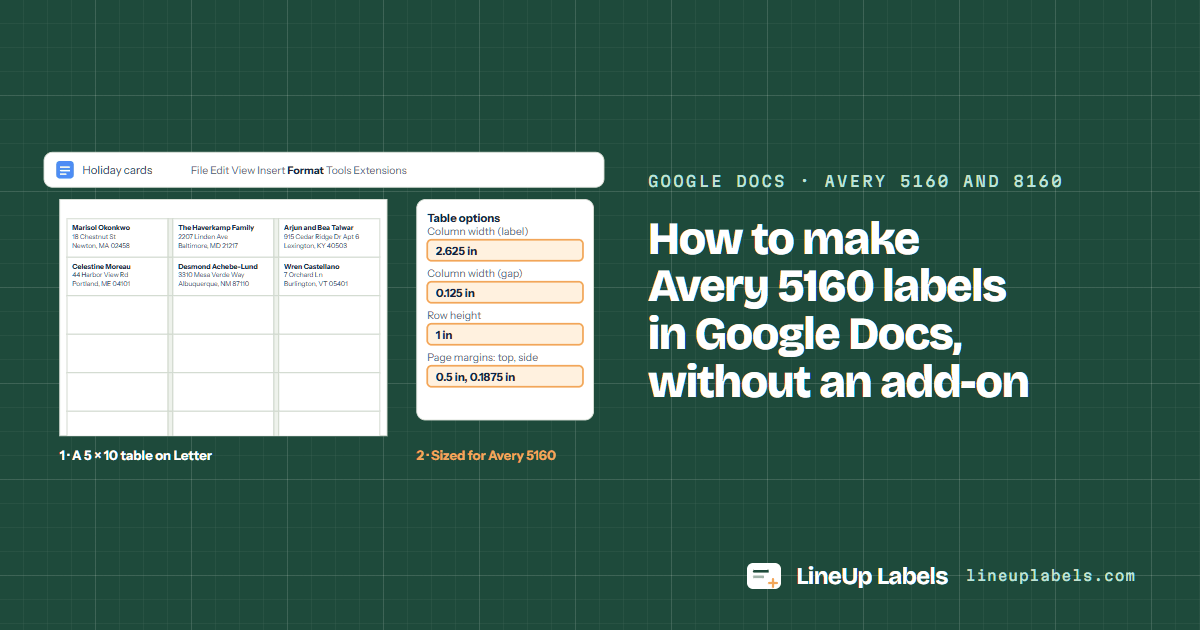 Google Docs · Avery 5160 and 8160
Google Docs
Avery 5160 in Google Docs: the table that matches the sheet, or the addresses pasted here.
-
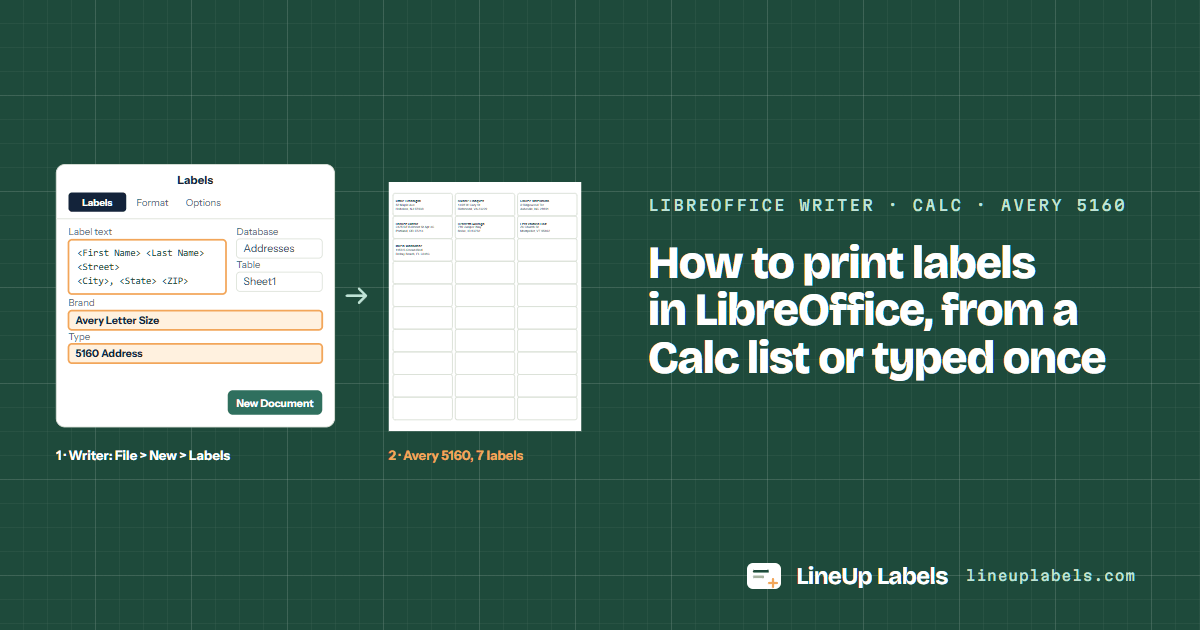 LibreOffice Writer · Calc · Avery 5160
LibreOffice
Avery 5160 in LibreOffice Writer: the built-in type, a merge from Calc, or the list opened here.
Word mail merge 5
When a merge fills one label, stops after a page, prints off the sheet or loses a ZIP code's zero: Word's menus, and a way around them.
-
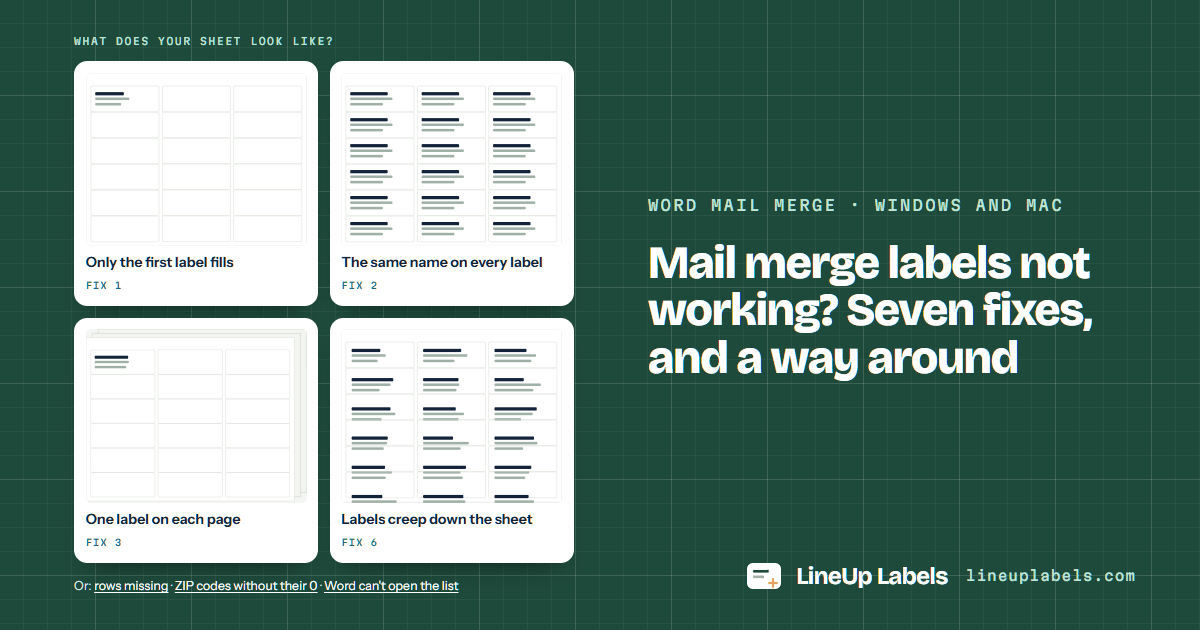 Word mail merge · Windows and Mac
Mail merge fixes
Seven fixes for Word's label merge, or skip it with the same Excel file.
-
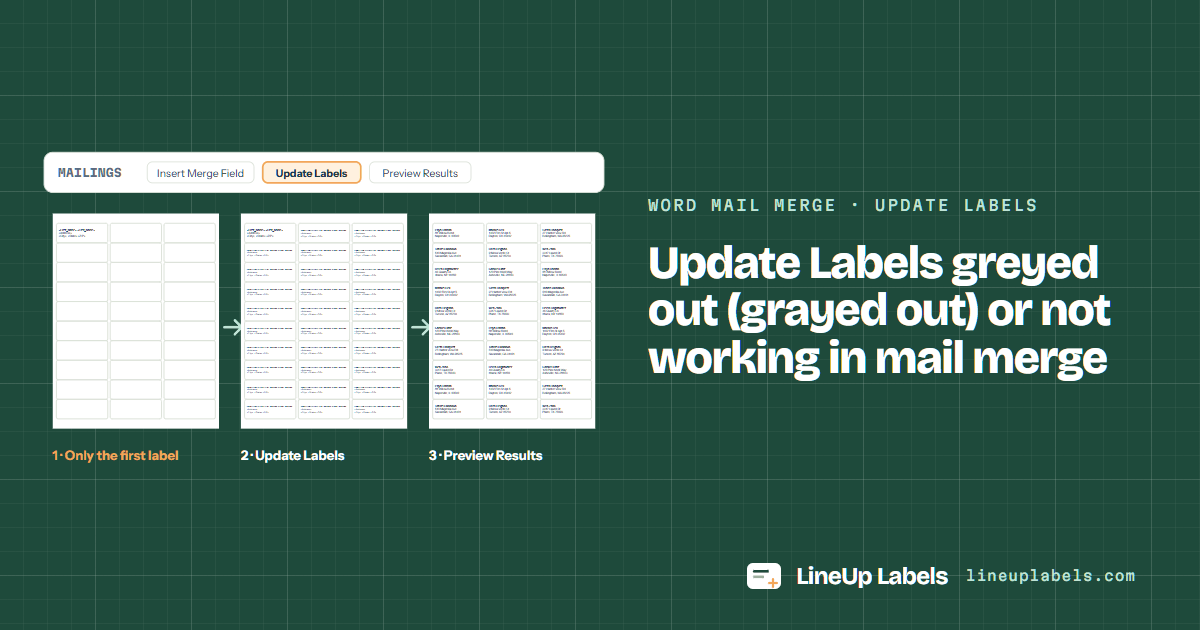 Word mail merge · Update Labels
Update Labels fixes
Update Labels greyed out or doing nothing: six causes, Windows and Mac.
-
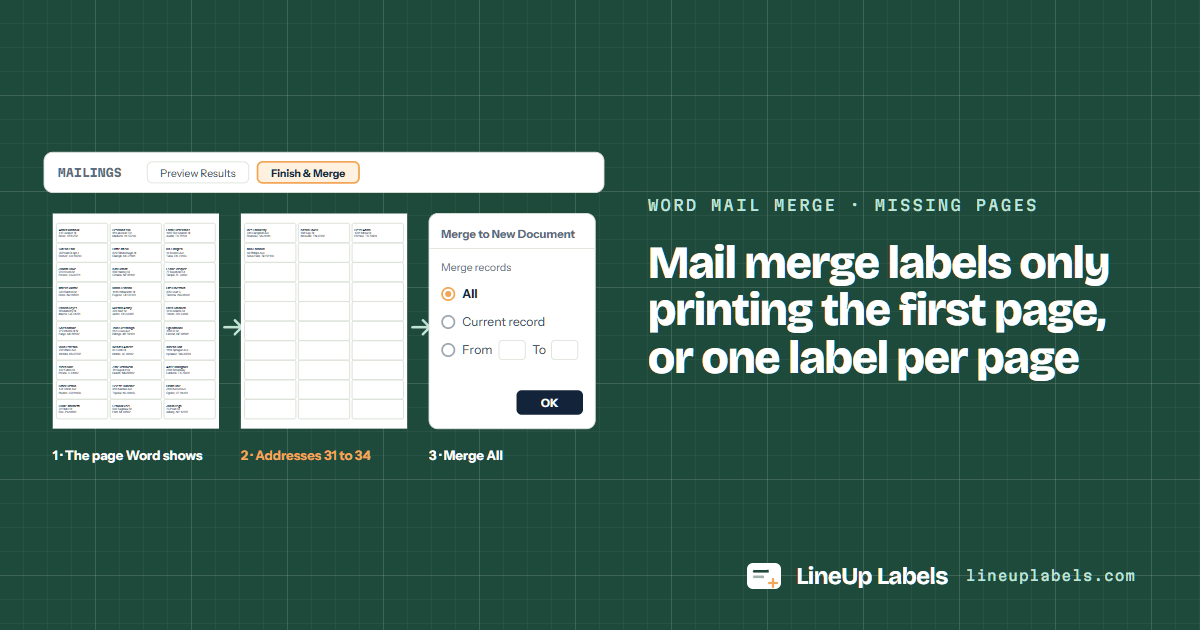 Word mail merge · missing pages
One page of labels
Only the first page prints, or one label per page: five causes, Windows and Mac.
-
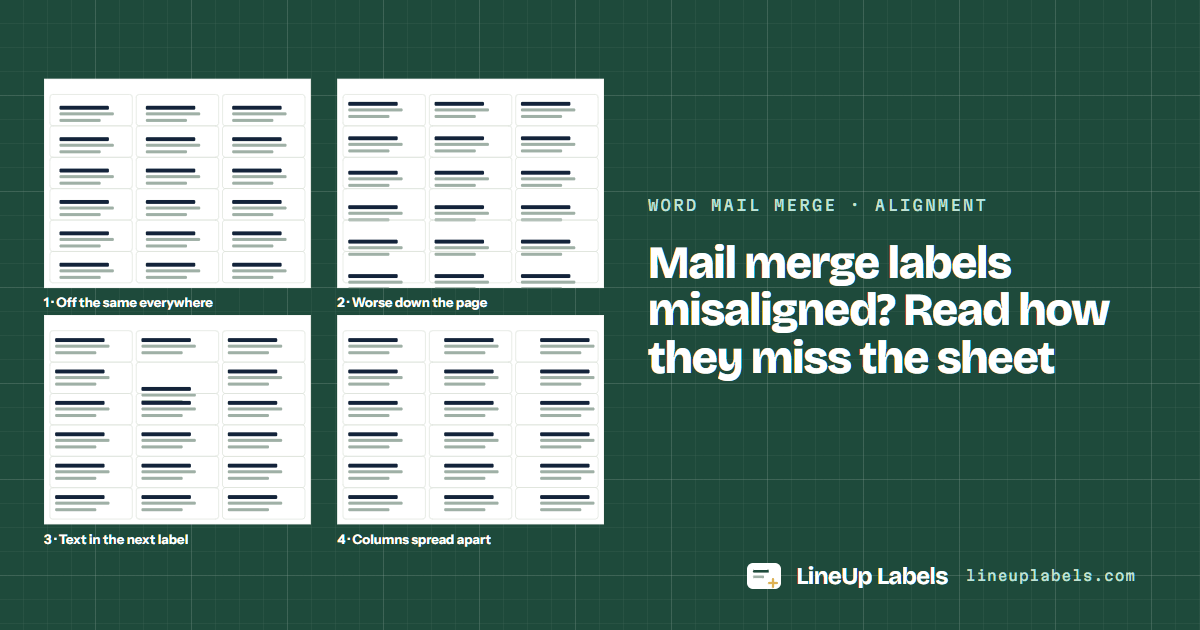 Word mail merge · alignment
Misaligned merge labels
Shifted, drifting down the page or spilling: what each pattern means.
-
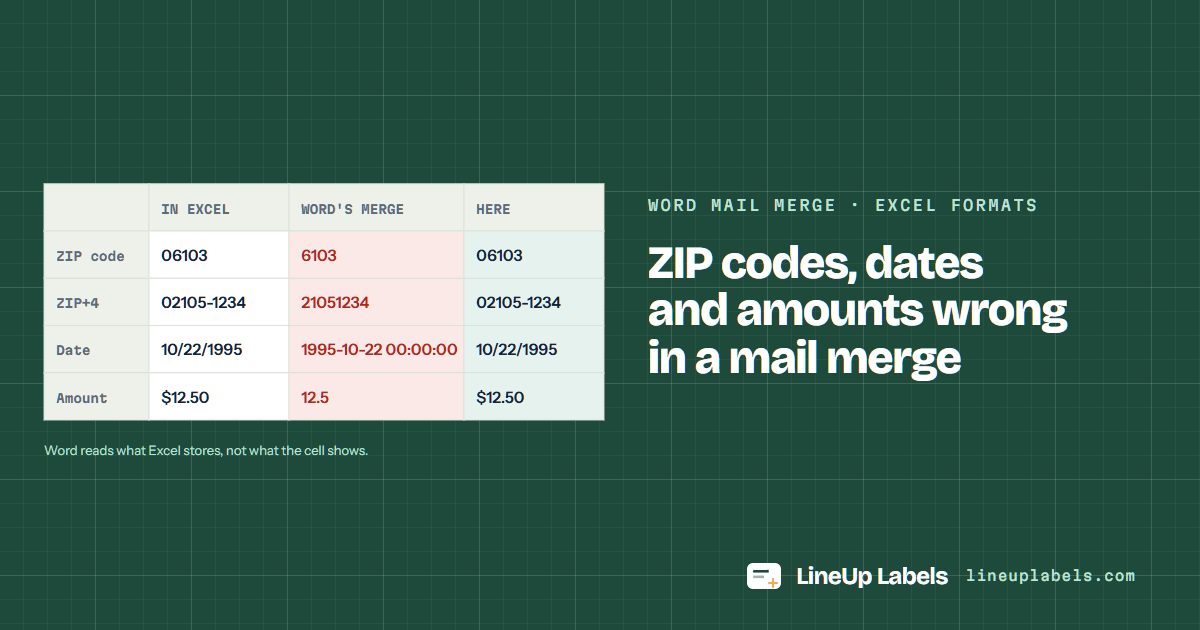 Word mail merge · Excel formats
Merge ZIP codes and dates
Leading zeros, dates and dollar signs Excel showed and the merge lost.
Place cards 3
A folded card for each guest, the name on both sides, from a list or typed one a line.
-
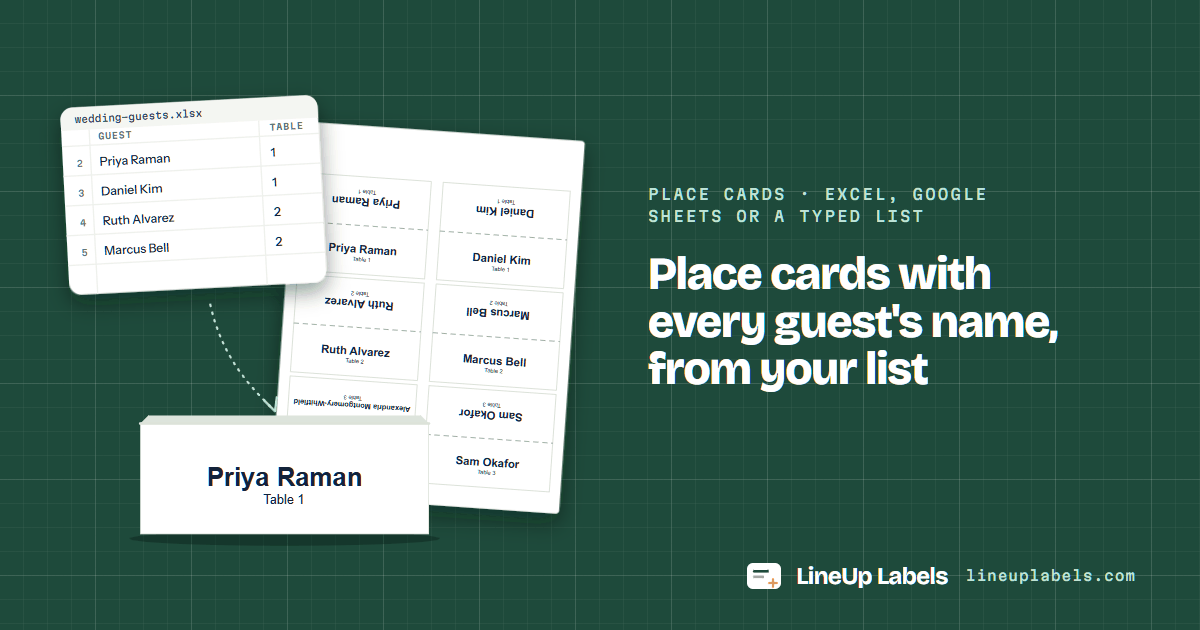 Place cards · Excel, Google Sheets or a typed list
Place cards from a list
Paste a guest list and print a folded place card for each guest on Avery® 5011 or 5302.
-
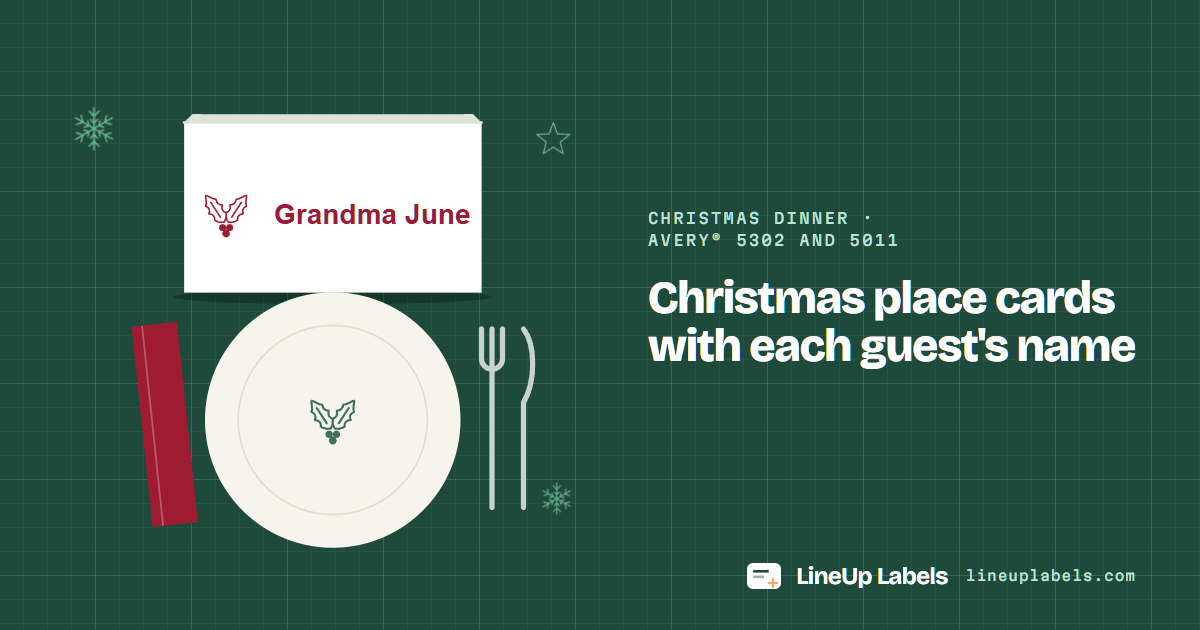 Christmas dinner · Avery® 5302 and 5011
Christmas place cards
Each guest's name on a folded card with a holiday design, on Avery® 5302 or 5011.
-
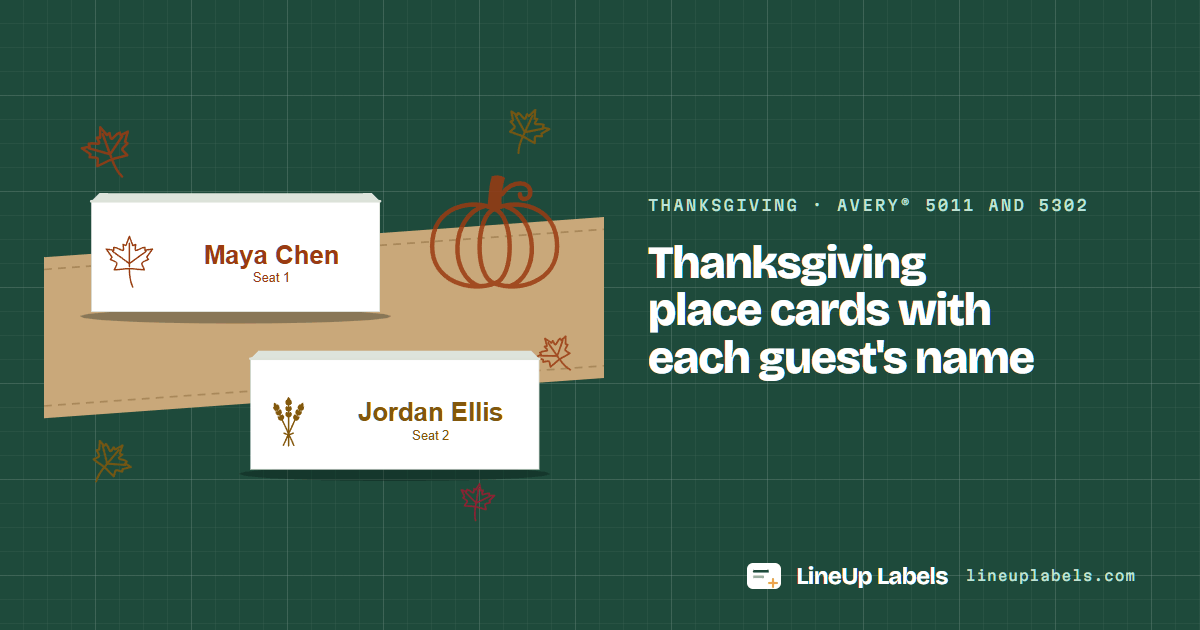 Thanksgiving · Avery® 5011 and 5302
Thanksgiving place cards
Guests' names on folded place cards with a fall design, on Avery® 5011 or 5302.